Day 23 : Complete Jenkins CI/CD Project.
Hey there! I am Pradeep Chitroliya I am a Devops engineer, started writing articles on my DevOps and cloud journey. My purpose is to share the concepts that I learn, the projects that I build, and the tasks that I perform regarding DevOps. Hope you all find it useful.
Let's make a beautiful CI/CD Pipeline for your Node JS Application
Task:01
Fork this repository:
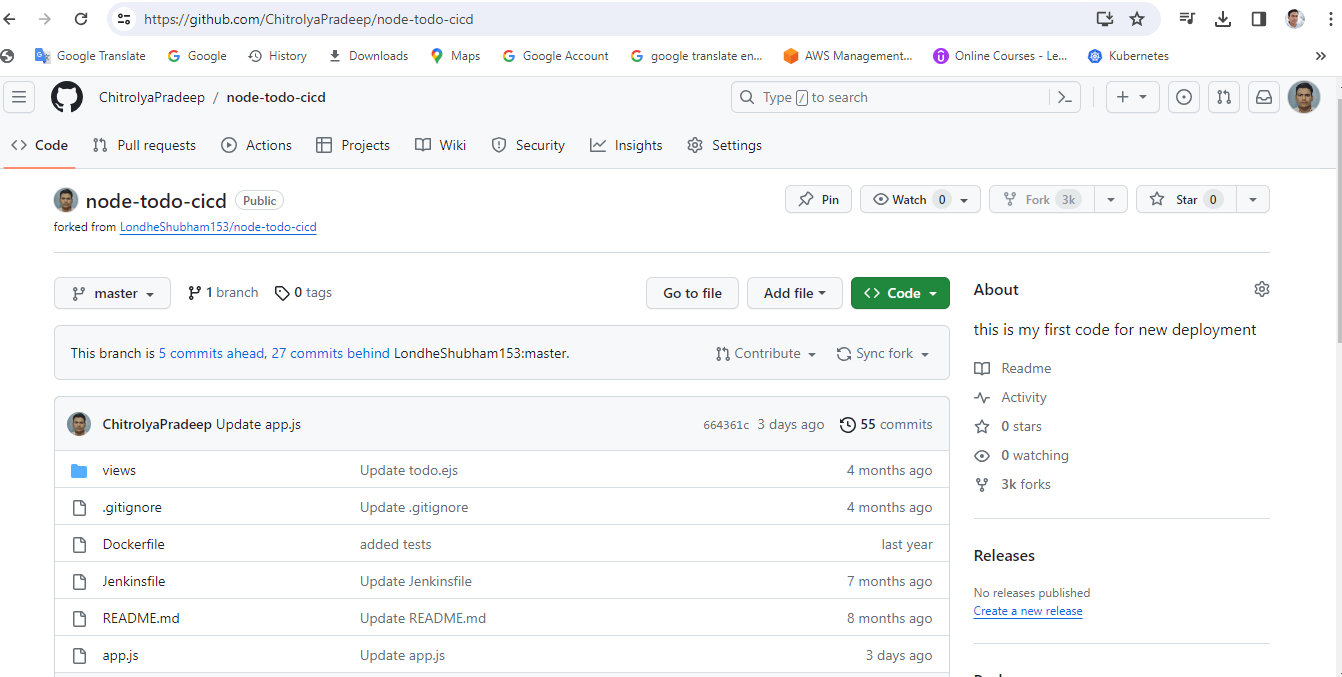
Create a connection to your Jenkins job and your GitHub Repository via GitHub Integration.
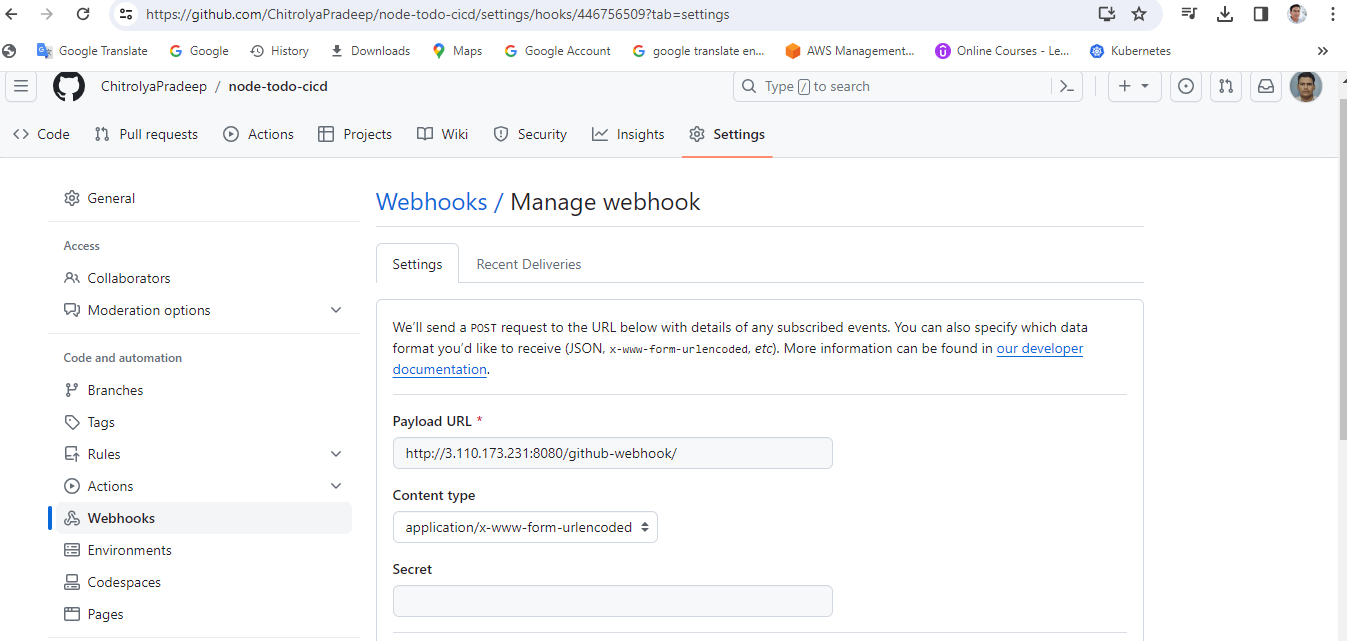
Webhooks provide a way for notifications to be delivered to an external web server whenever certain actions occur on a repository or organization.
For GitHub-Webhook:
Open the GitHub repository.
Go to “settings” and then to “hooks”.
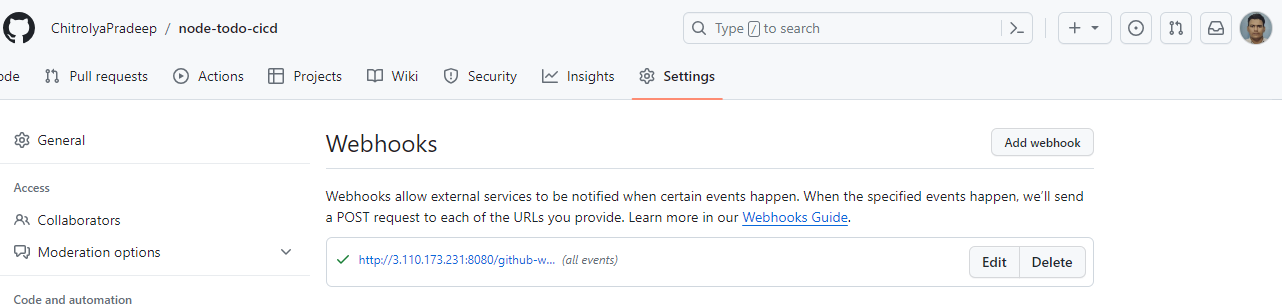
Click the “Add webhook” button. Enter “<Jenkins url>//github-webhook/” Payload URL. Click on Add webhook.
Task-02:
In the Execute shell run the application using Docker compose
You will have to make a Docker Compose file for this Project.
Steps:
For the GitHub integration plugin
Click on Manage Jenkins >Manage plugin > Available plugin> GitHub integration > Install it
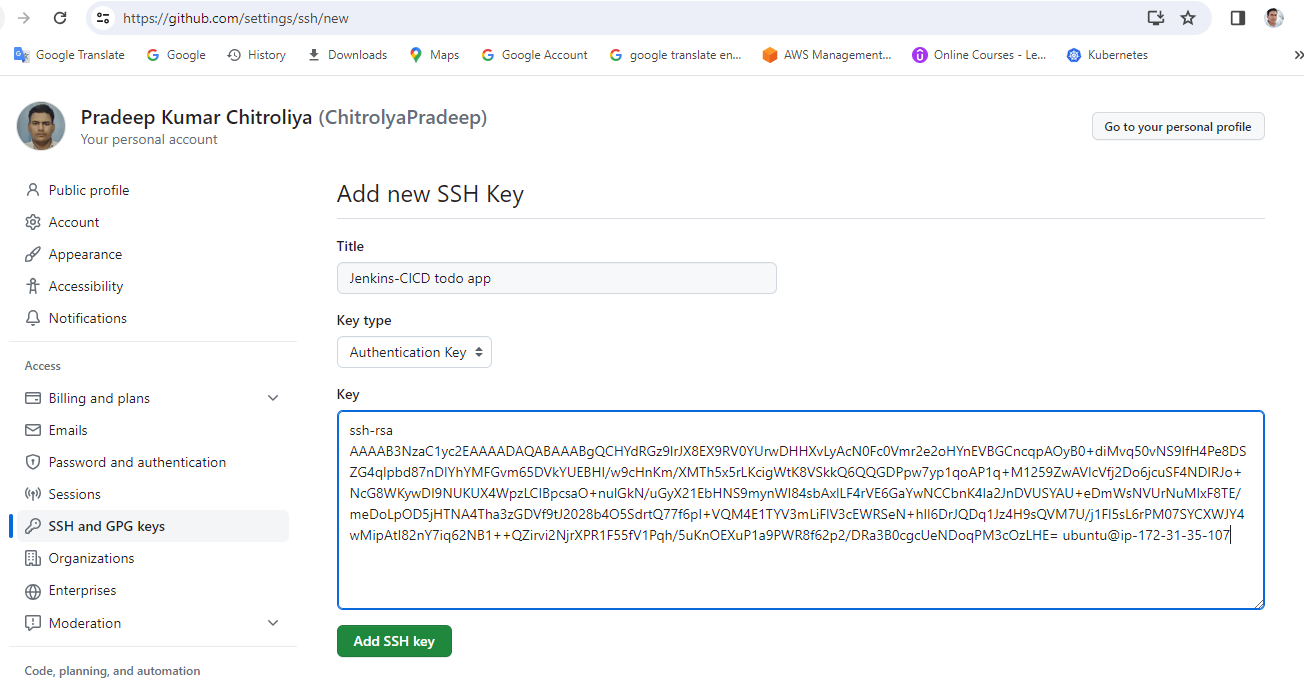
2.Create ssh public and private keys in your EC2 for Github and jenkijns ssh in automatic when the code change in developer then push it github so automatical build in jenkins useing GitHub webhook.
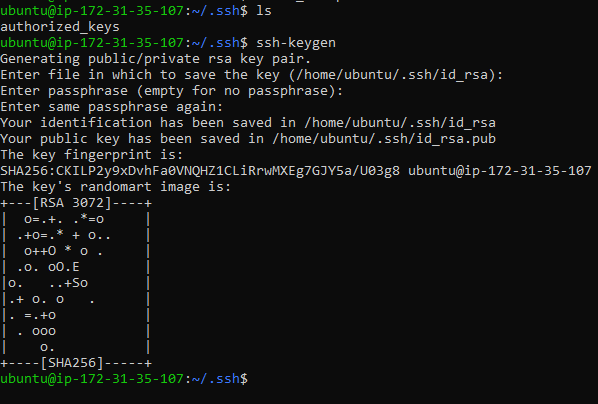
we want to ssh in github using jenkis so will put in public key in github and private key in jenkins.
1. How to push github--login<github<gitHub account<setting<ssh.key GPG key<add
2. login jenkins and create a freestyle job and all select option as per project requirment.
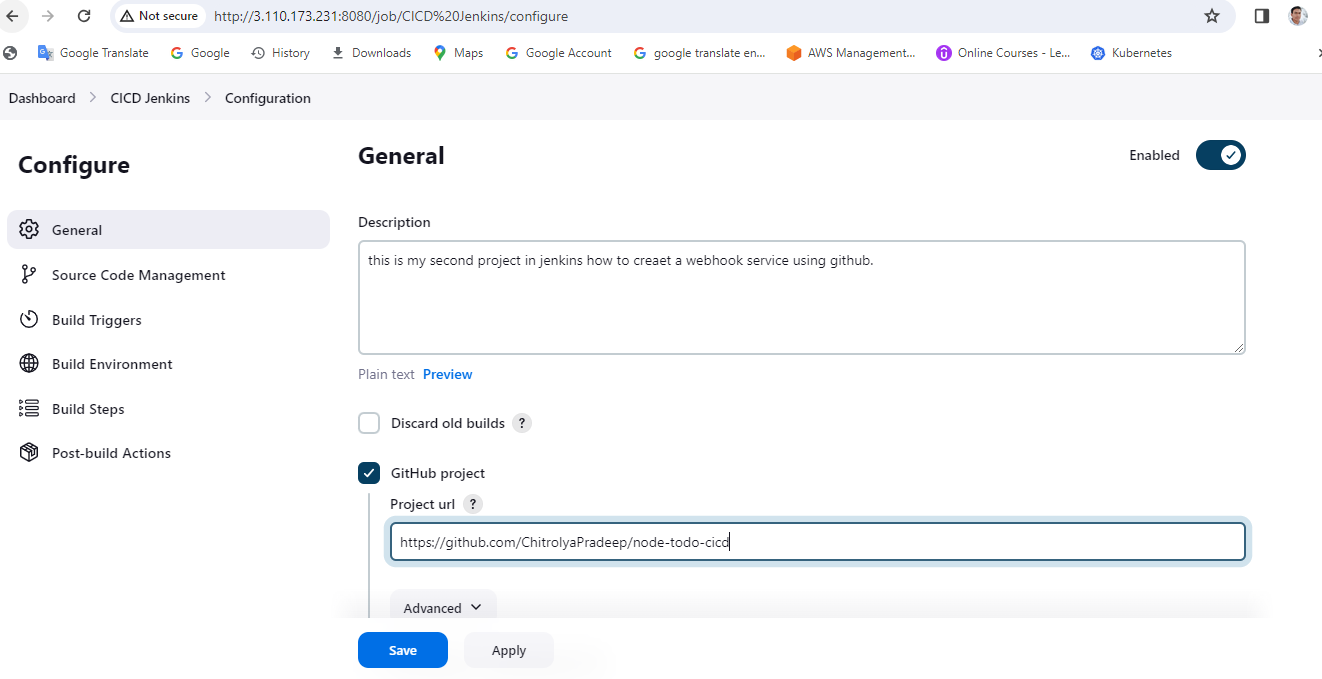
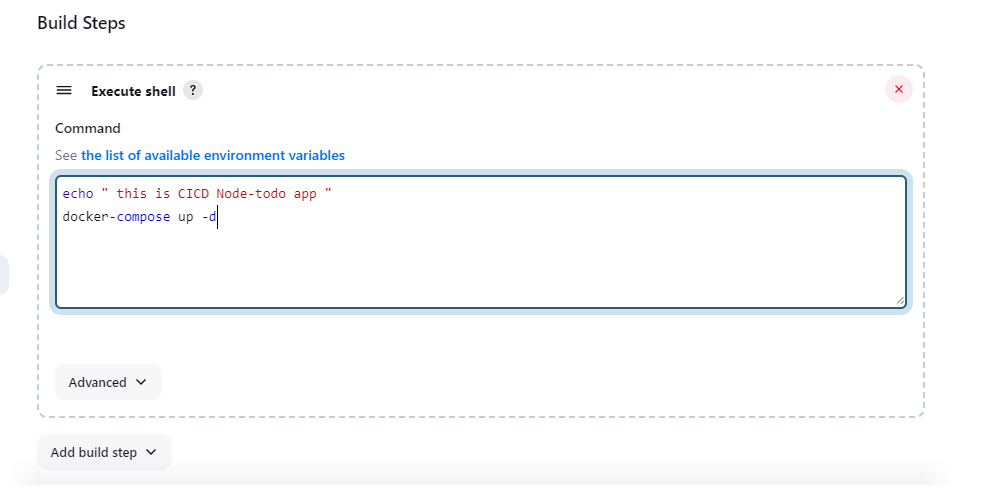
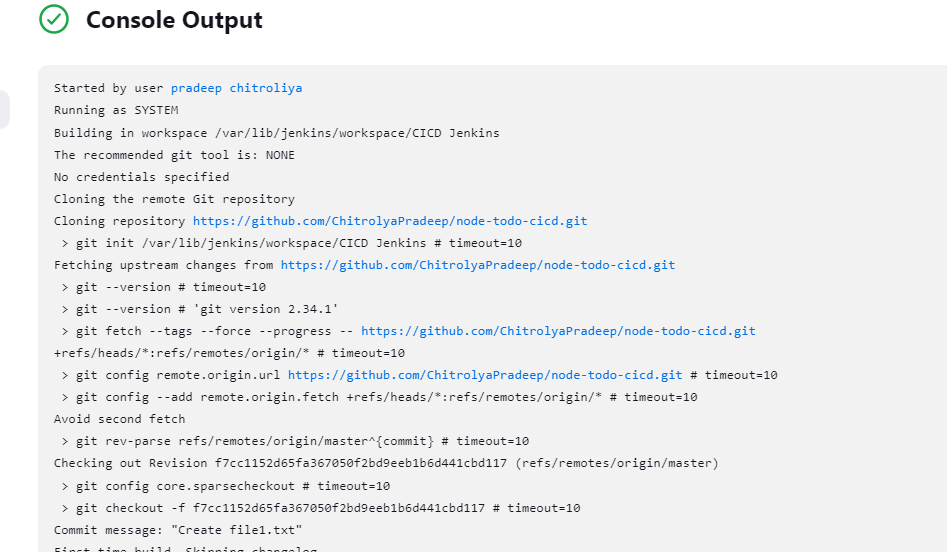
Then check out of weabook connection in Github it should have green.
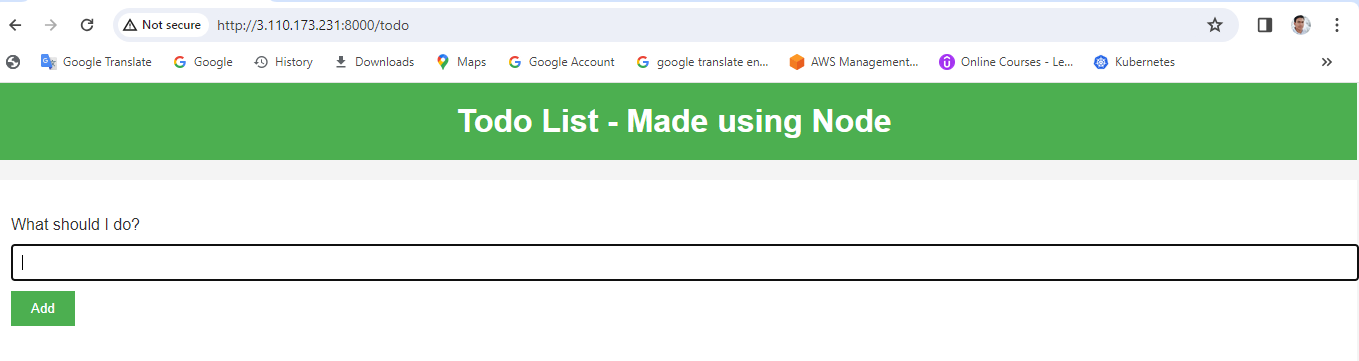
check it web access
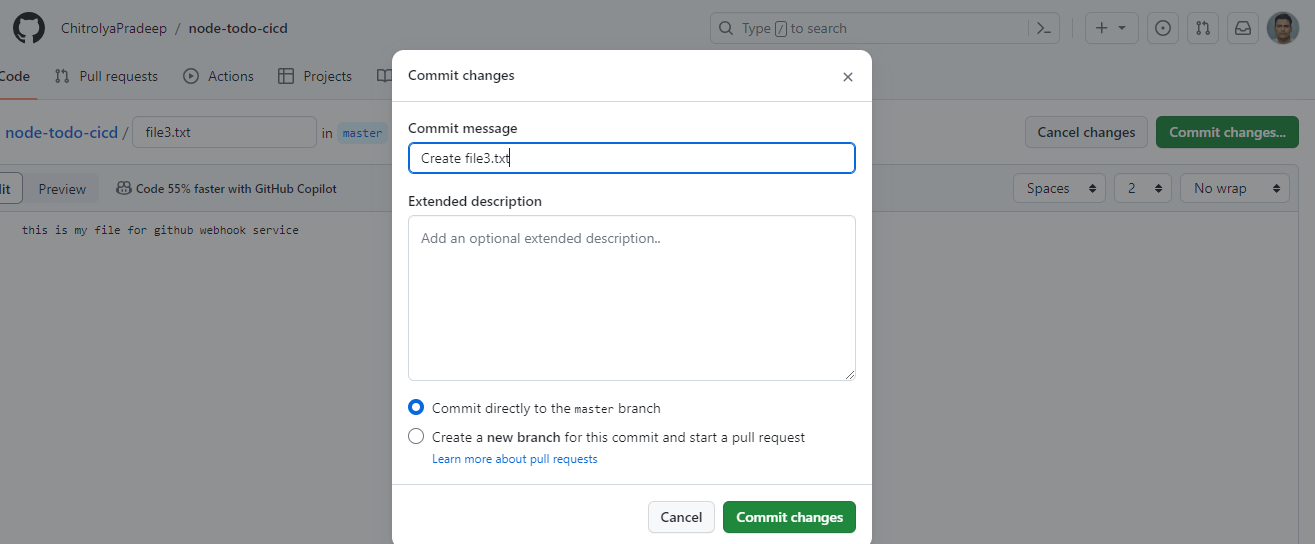
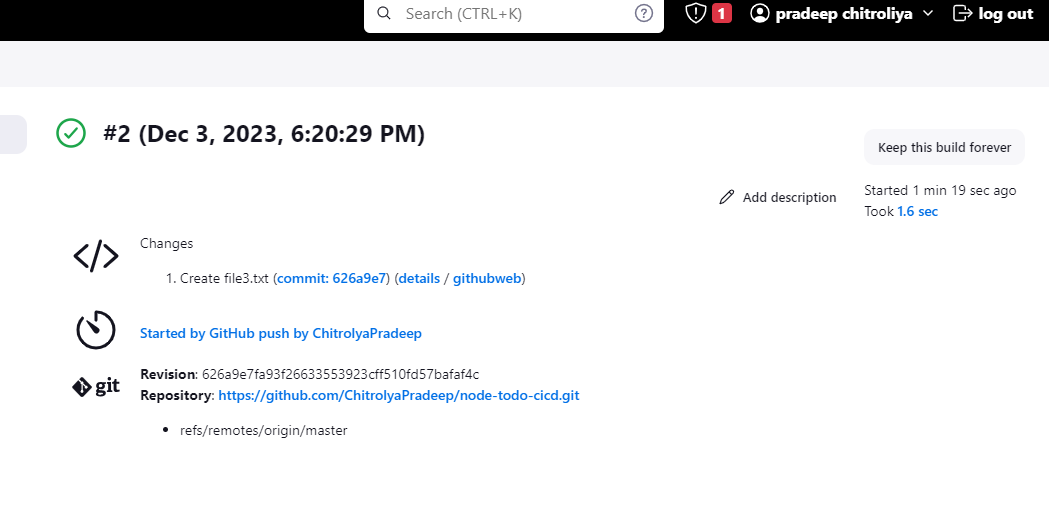
we did some change in git repo that using in jenkind so merge in master branch that will do jenkin using webhook service that vcode build in server.
1. i did some change in git repo then merge in master branch
go to my github account<Repo<change<merge<master branch.
Conclusion :
In this blog, we cover how we can make a CI/CD pipeline Jenkins with the help of webhooks.
Thanks for read my blog if you like this blog that please like&Commend
Contact me on linkedin
check out my gitHub for more sresource GitHub


