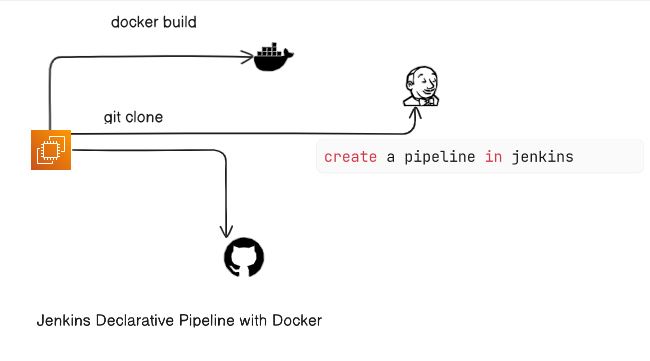
Day 25 Task: Jenkins Declarative Pipeline with Docker
Use your Docker Build and Run Knowledge
Hey there! I am Pradeep Chitroliya I am a Devops engineer, started writing articles on my DevOps and cloud journey. My purpose is to share the concepts that I learn, the projects that I build, and the tasks that I perform regarding DevOps. Hope you all find it useful.
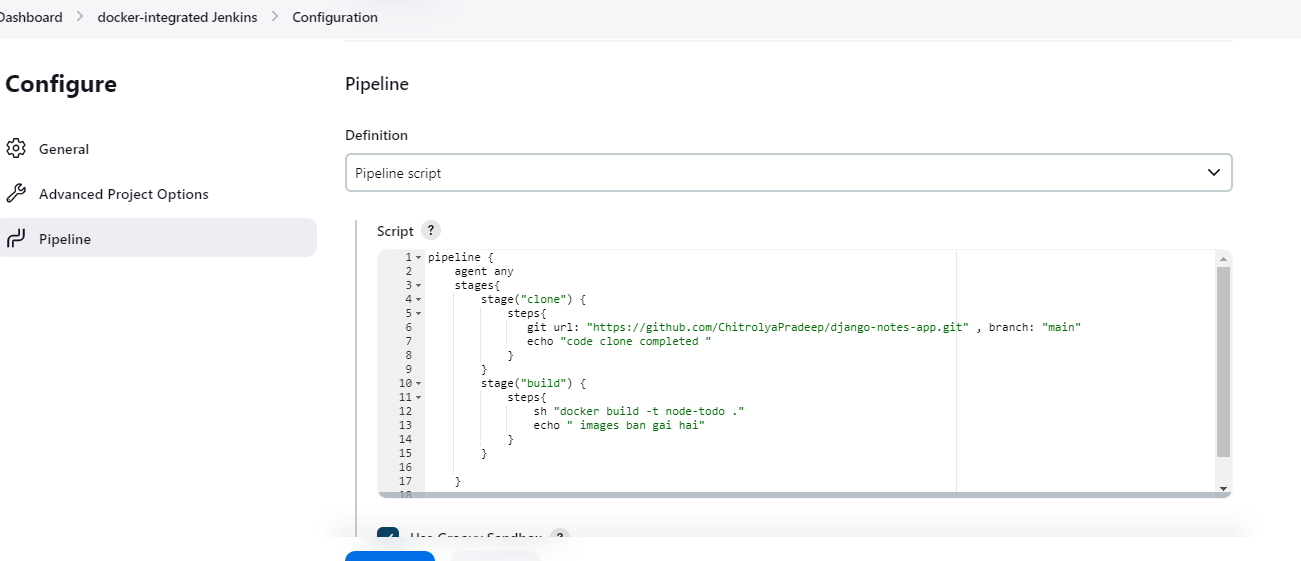
Docker build :- we can use sh 'docker build . -t <tag>' in your pipeline stage block to run the docker build command. (Make sure you have docker installed with correct permissions.
Docker run :- we can use sh 'docker run -d <image>' in your pipeline stage block to build the container
Task-01;-
Create a docker-integrated Jenkins declarative pipeline:
Step: 1
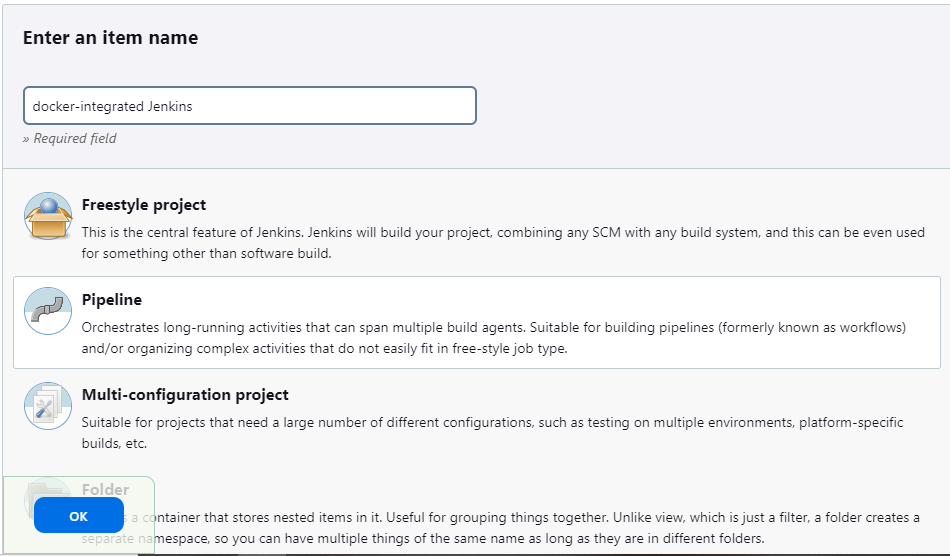
In Jenkins, Click on New Item, create a new pipeline job, and select Pipeline as the project type.
Step: 2
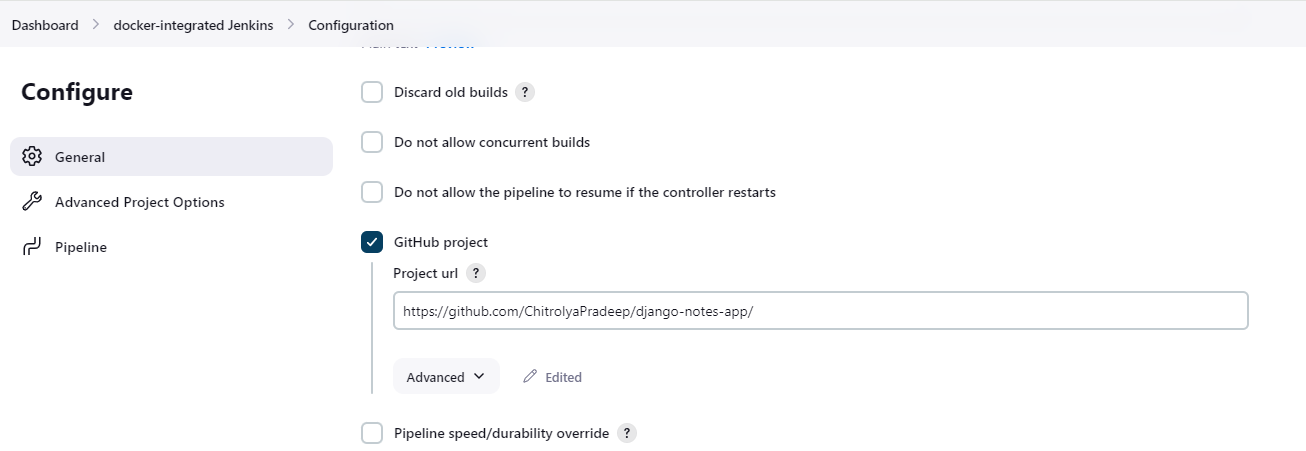
2.give the proper detail fill your GitHub project and git repo address.
3. create a pipeline for docker images and run the container.
4.Save your configuration & build the job
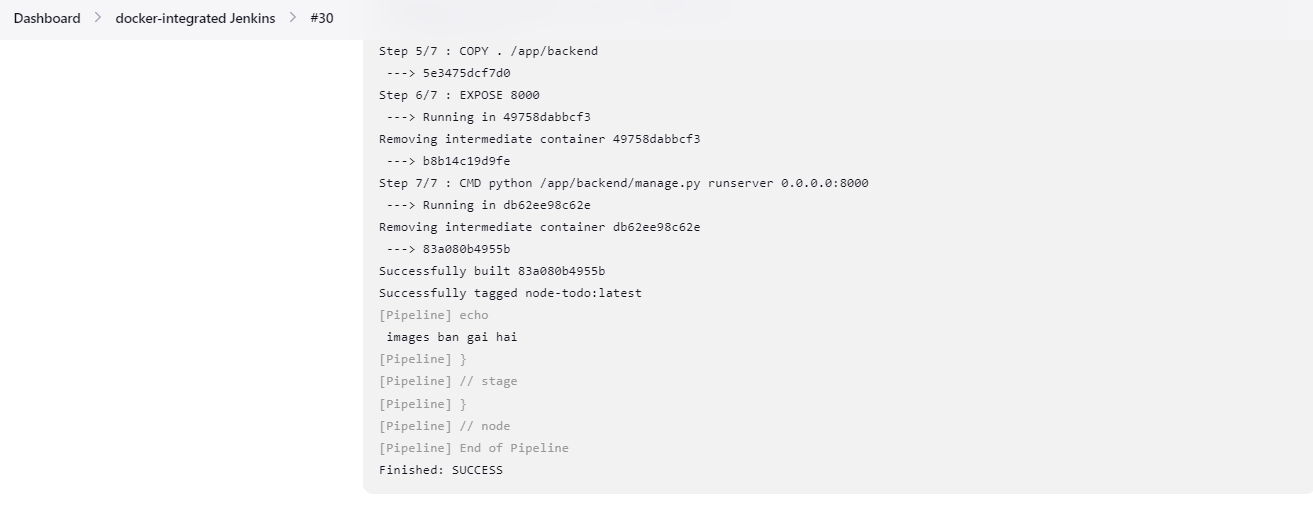
Task-02
1.Create a docker-integrated Jenkins declarative pipeline using the docker groovy syntax inside the stage block.
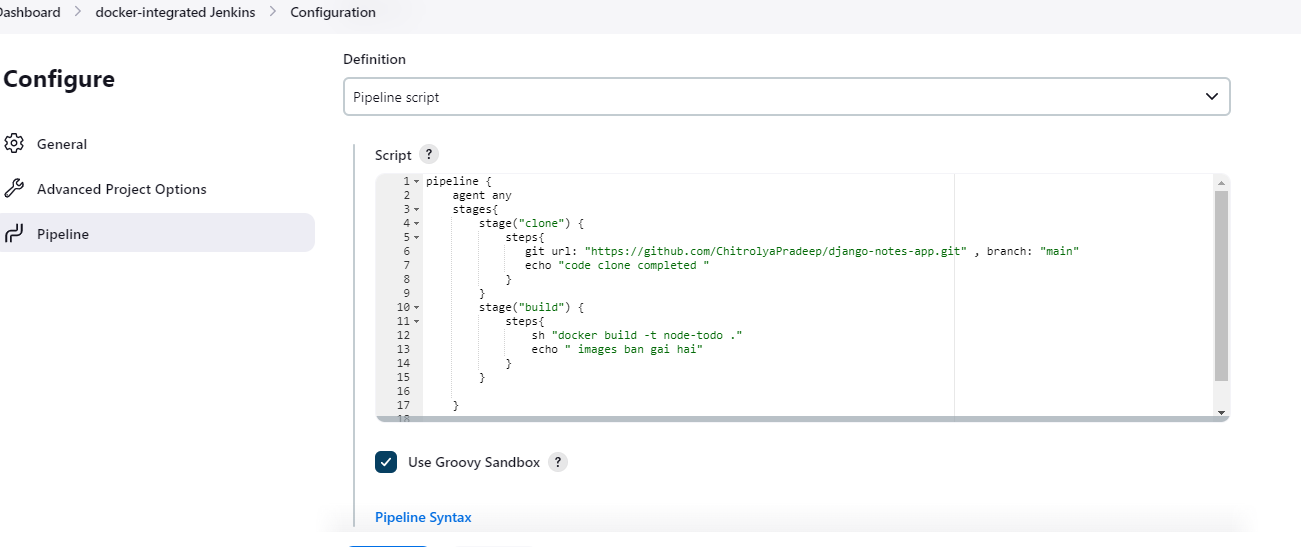
2. You won't face errors, you can Follow.
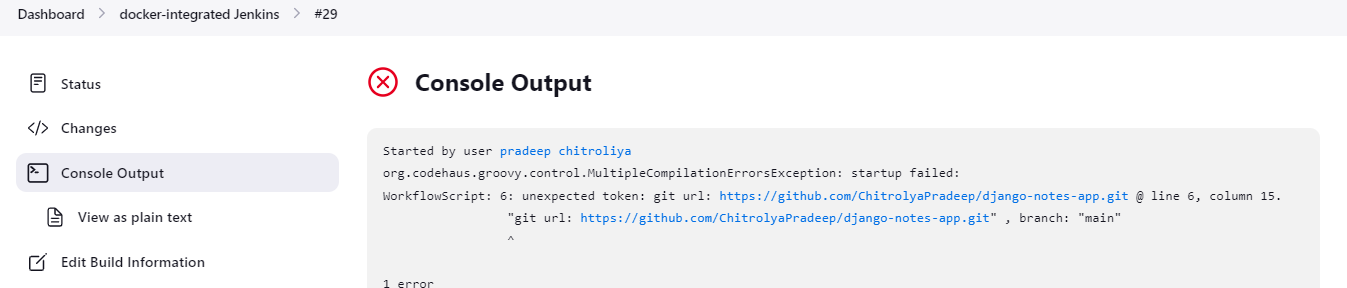
3. Complete projects using this Declarative pipeline in docker and docker-compose
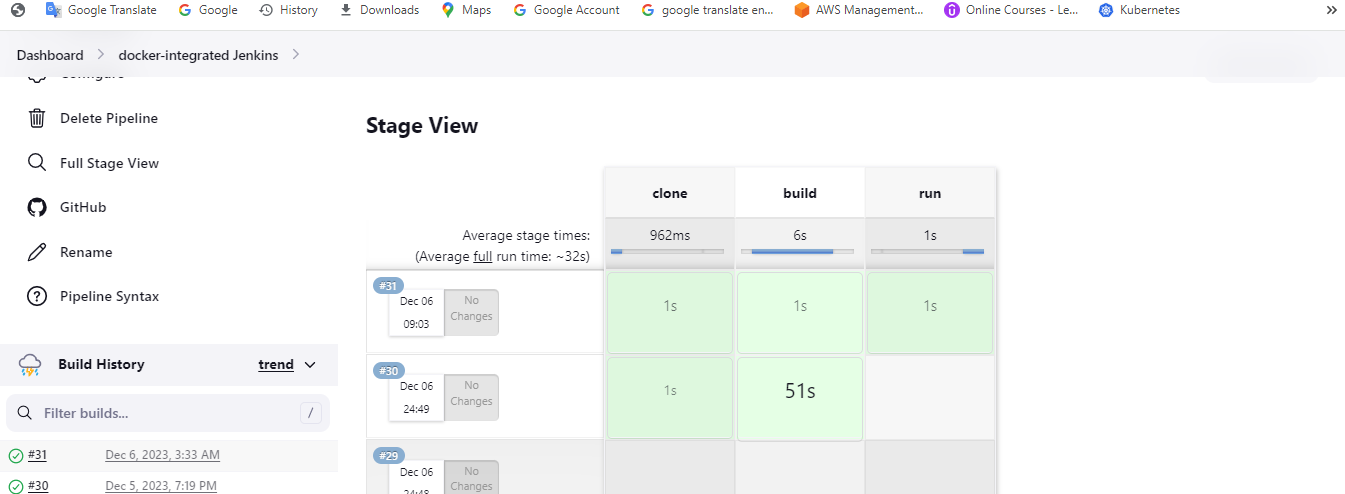
we can web access
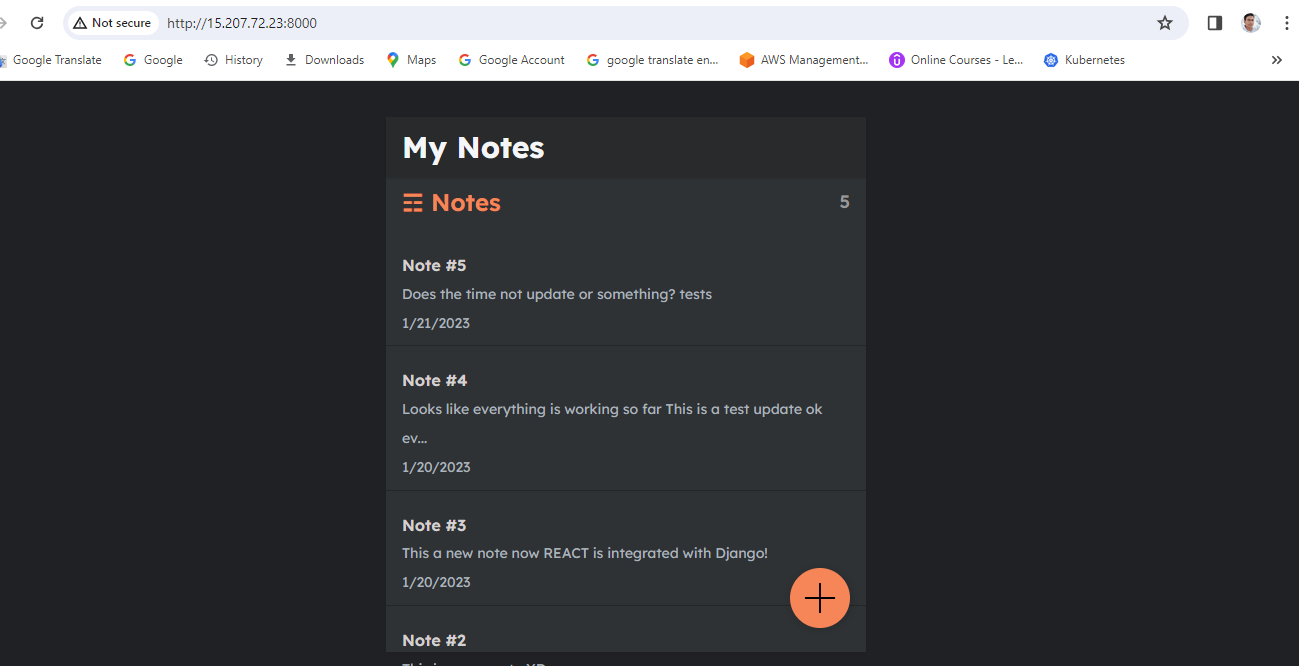
Thanks for read my blog if you like this blog please like and commend.
Contact me on linkedin
check out my GitHub for more resource GitHub


