Day 27 Task: Jenkins Agents
Hey there! I am Pradeep Chitroliya I am a Devops engineer, started writing articles on my DevOps and cloud journey. My purpose is to share the concepts that I learn, the projects that I build, and the tasks that I perform regarding DevOps. Hope you all find it useful.
1.Jenkins Master (Server) :-
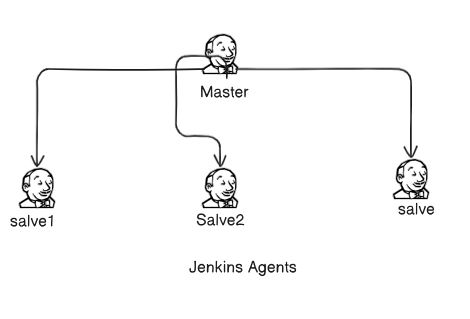
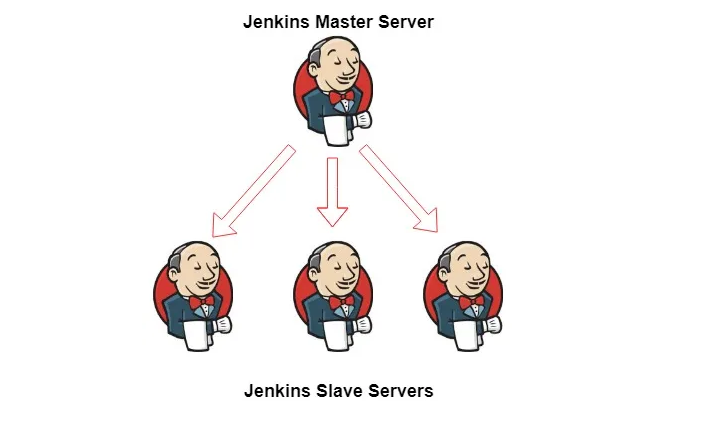
Jenkins’s server or master node holds all key configurations. Jenkins master server is like a control server that orchestrates all the workflow defined in the pipelines. For example, scheduling a job, monitoring the jobs, etc.
2.Jenkins Agent
An agent is typically a machine or container that connects to a Jenkins master and this agent that actually execute all the steps mentioned in a Job. When you create a Jenkins job, you have to assign an agent to it. Every agent has a label as a unique identifier.
\========================================================
When you trigger a Jenkins job from the master, the actual execution happens on the agent node that is configured in the job.
\========================================================
A single, monolithic Jenkins installation can work great for a small team with a relatively small number of projects. As your needs grow, however, it often becomes necessary to scale up. Jenkins provides a way to do this called “master to agent connection.” Instead of serving the Jenkins UI and running build jobs all on a single system, you can provide Jenkins with agents to handle the execution of jobs while the master serves the Jenkins UI and acts as a control node.
Task-01
1. Create an agent by setting up a node on Jenkins.
Step1
1.create a Jenkins server in your ec2 instance it is Master
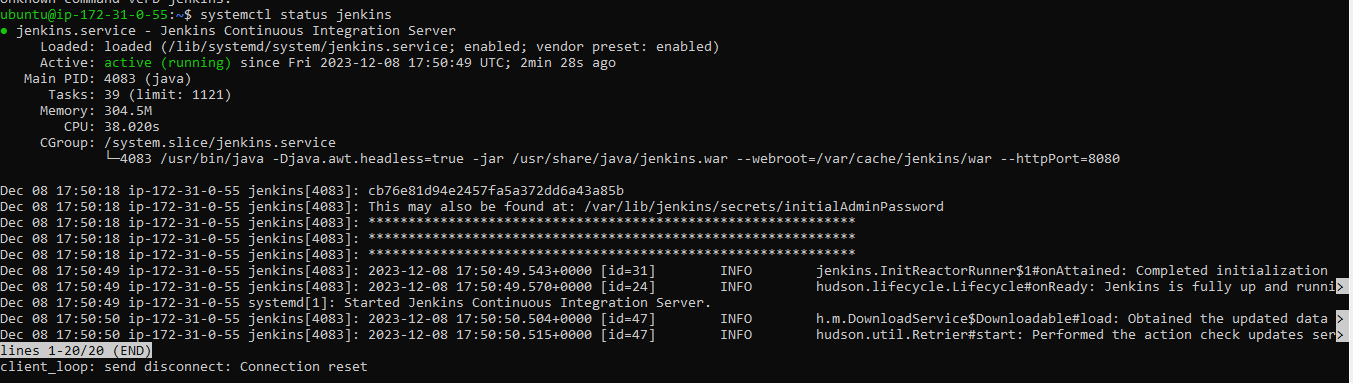
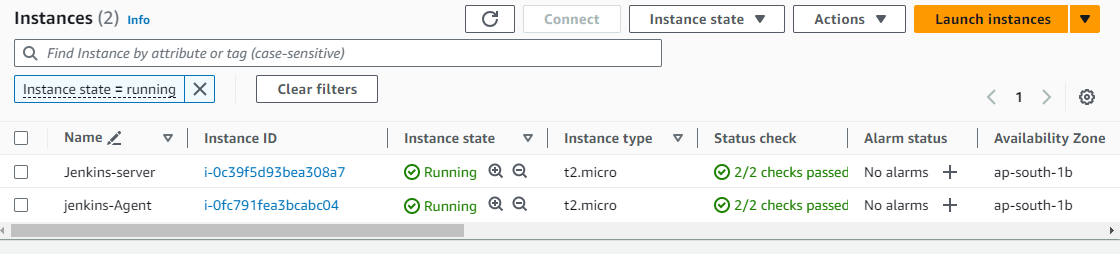
2. Create a new AWS EC2 Instance and connect it to master(Where Jenkins is installed)
When the create EC2 for agent that ensure few thinks like:- EC2 same VPC.
1. first create a public key and private key in master server for SSH connection.
1.Go to master Jenkins server<used cmd for pub$private key create #ssh-keygen
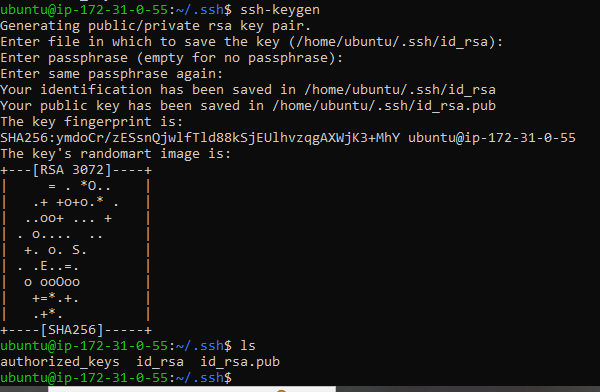
2.Then the push it public kay in Jenkins-agent.
go to master server and copy it public key and after login to agent server and paste it. we will check that ssh master to Jenkins-agent .
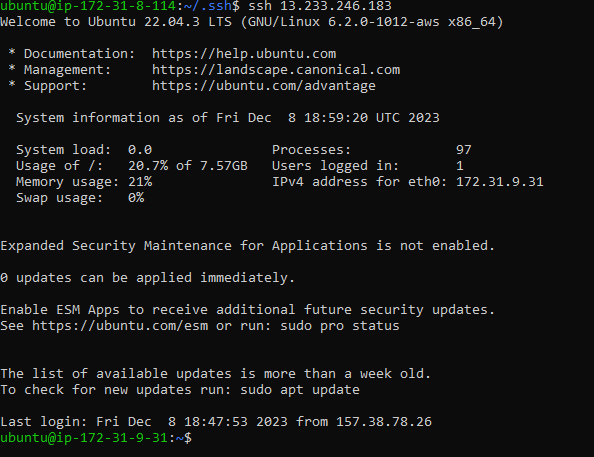
Login Jenkins and update it required details fill which required for setup agent. we want to write your required name which according your project.
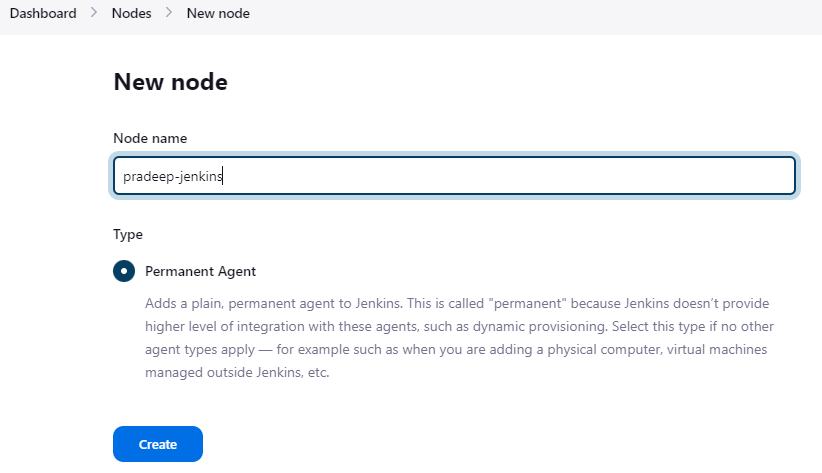
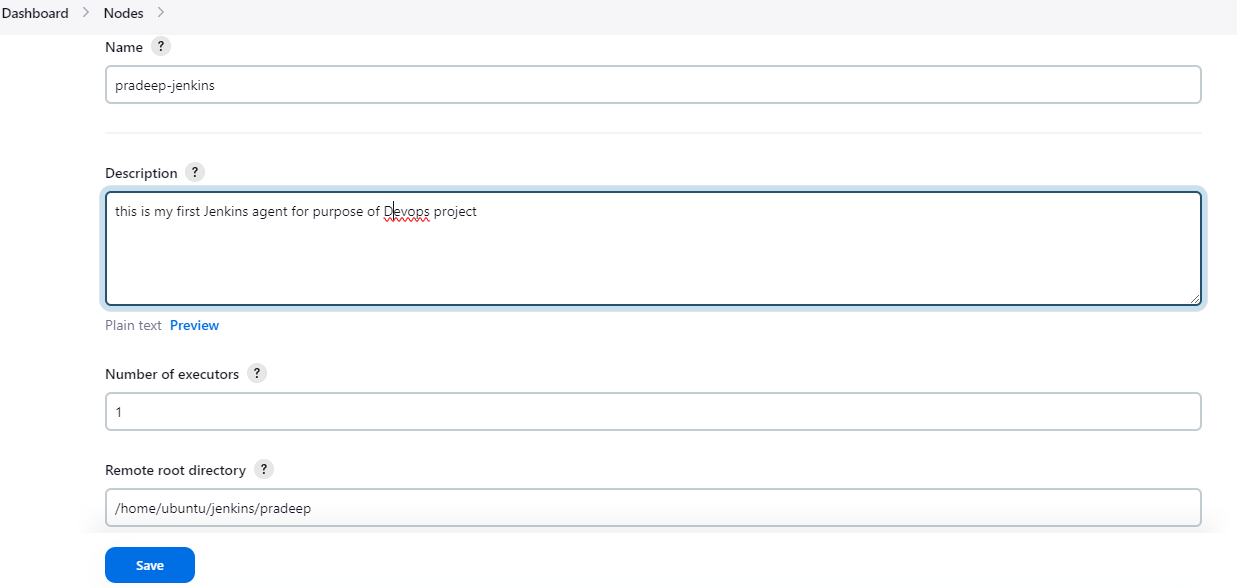
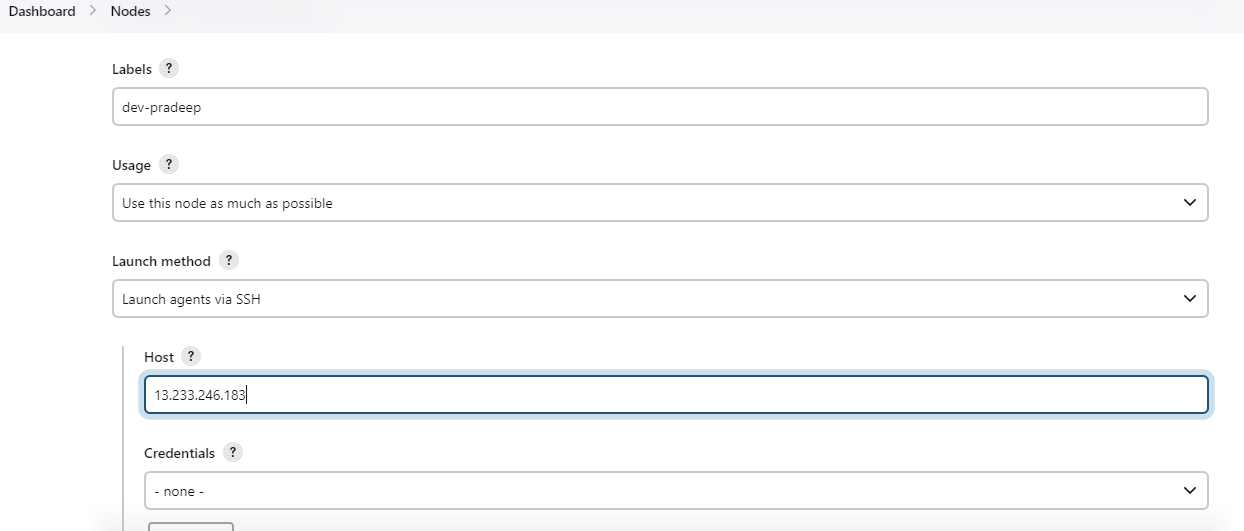
add private key in Jenkins with that help ssh in Jenkins agents
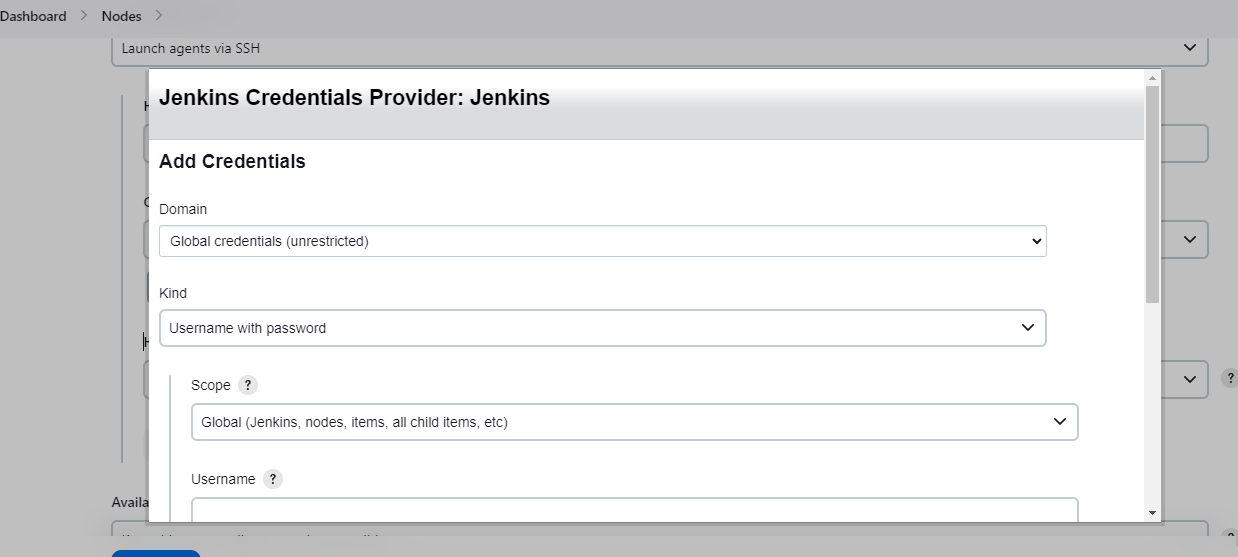
This is details very important for add to private key in Jenkins.
We can see that Agent Jenkins has successfully ssh to the master node. Now work in Jenkins which will work for that agent Jenkins
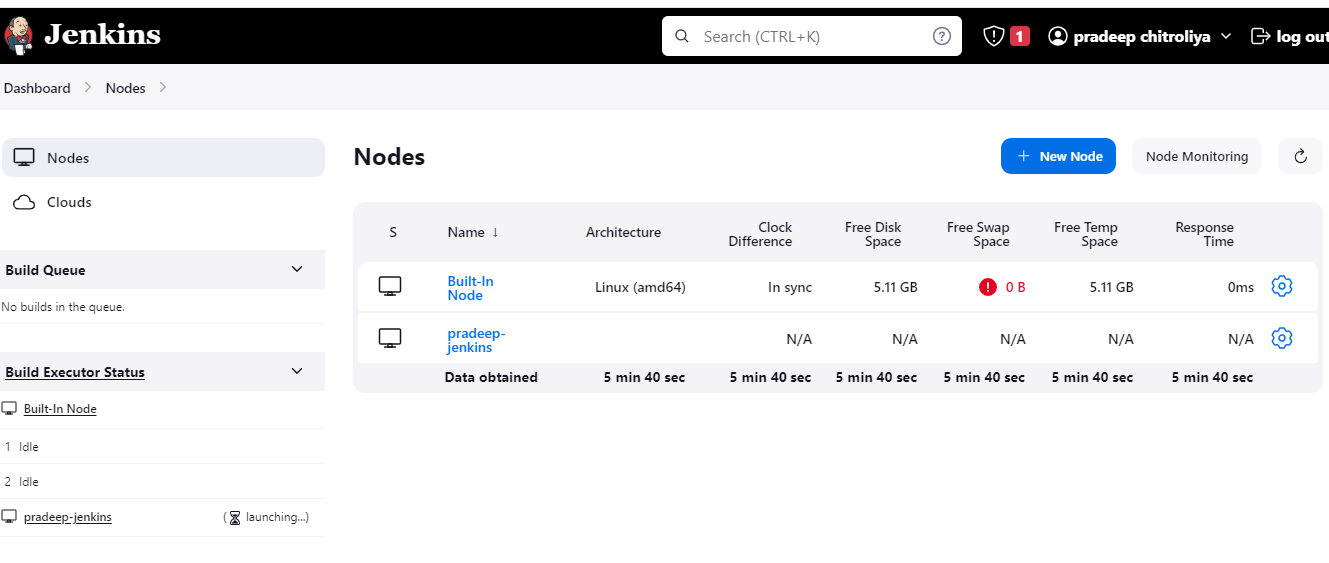
Thanks for read my blog if you like this blog please like and commend.
Contact me on linkedin
check out my GitHub for more resource GitHub


